Features
GoWherer provides a set of core capabilities designed around "recording journeys" to help you capture, review, and share your complete trajectory at low cost while traveling.
Core Features
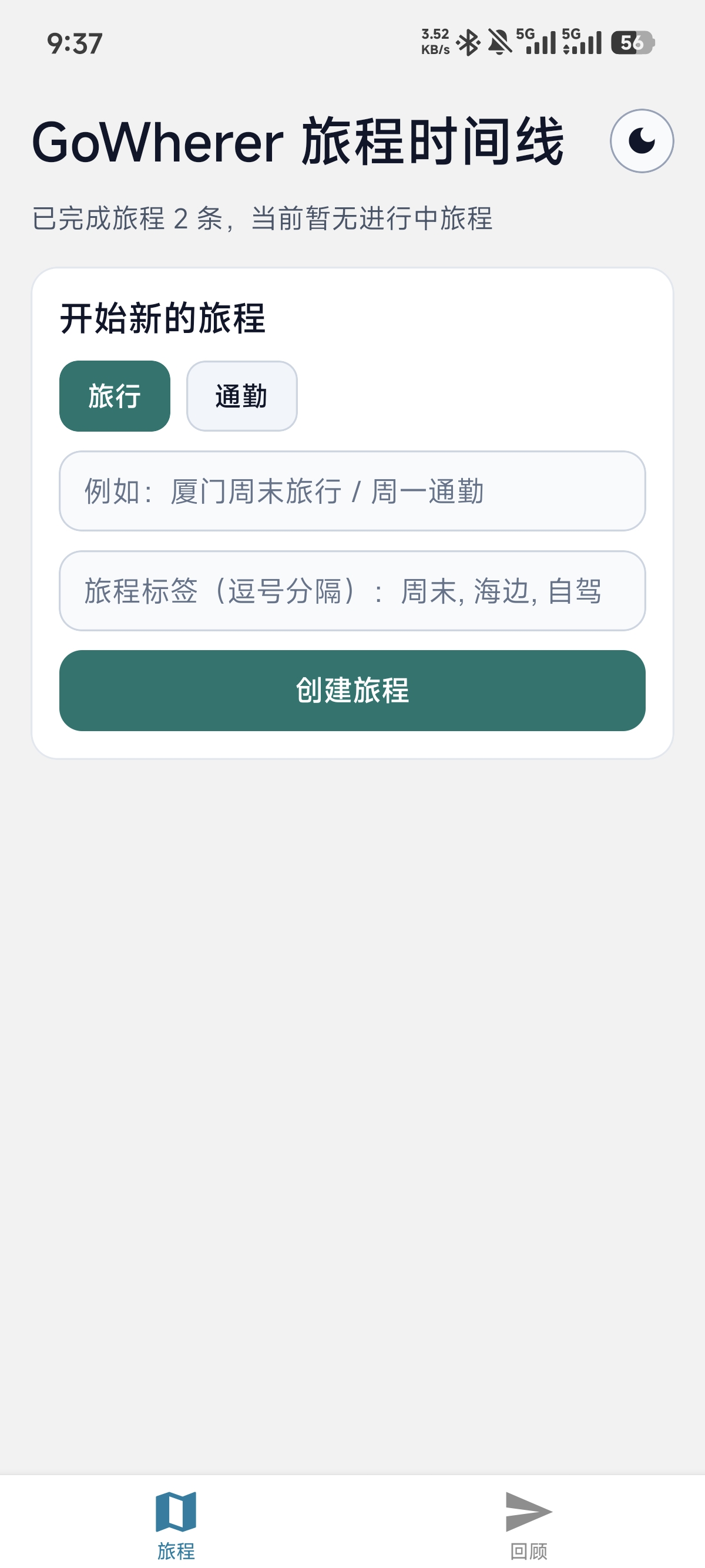
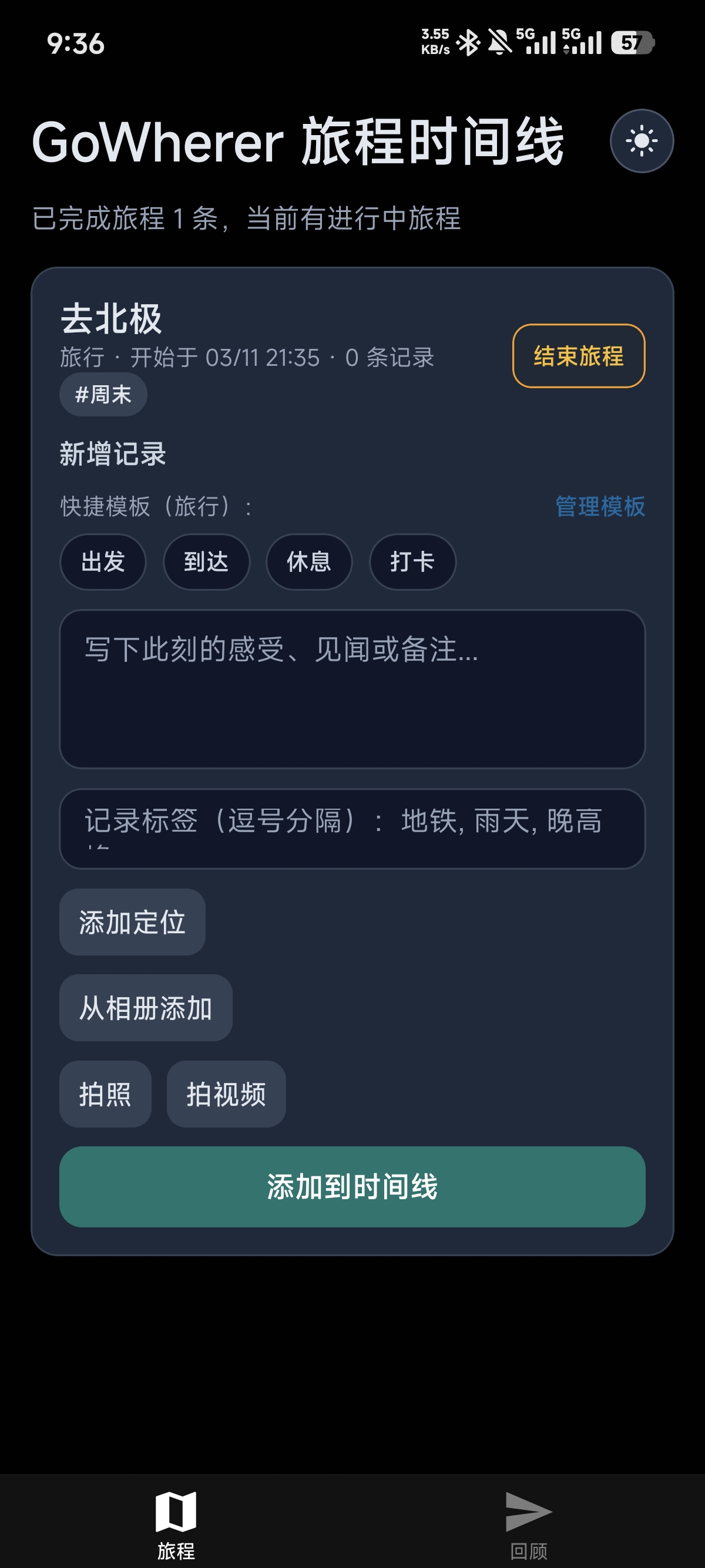
Journey Management
- Start/End Journey: Manage a complete trip with simple operations.
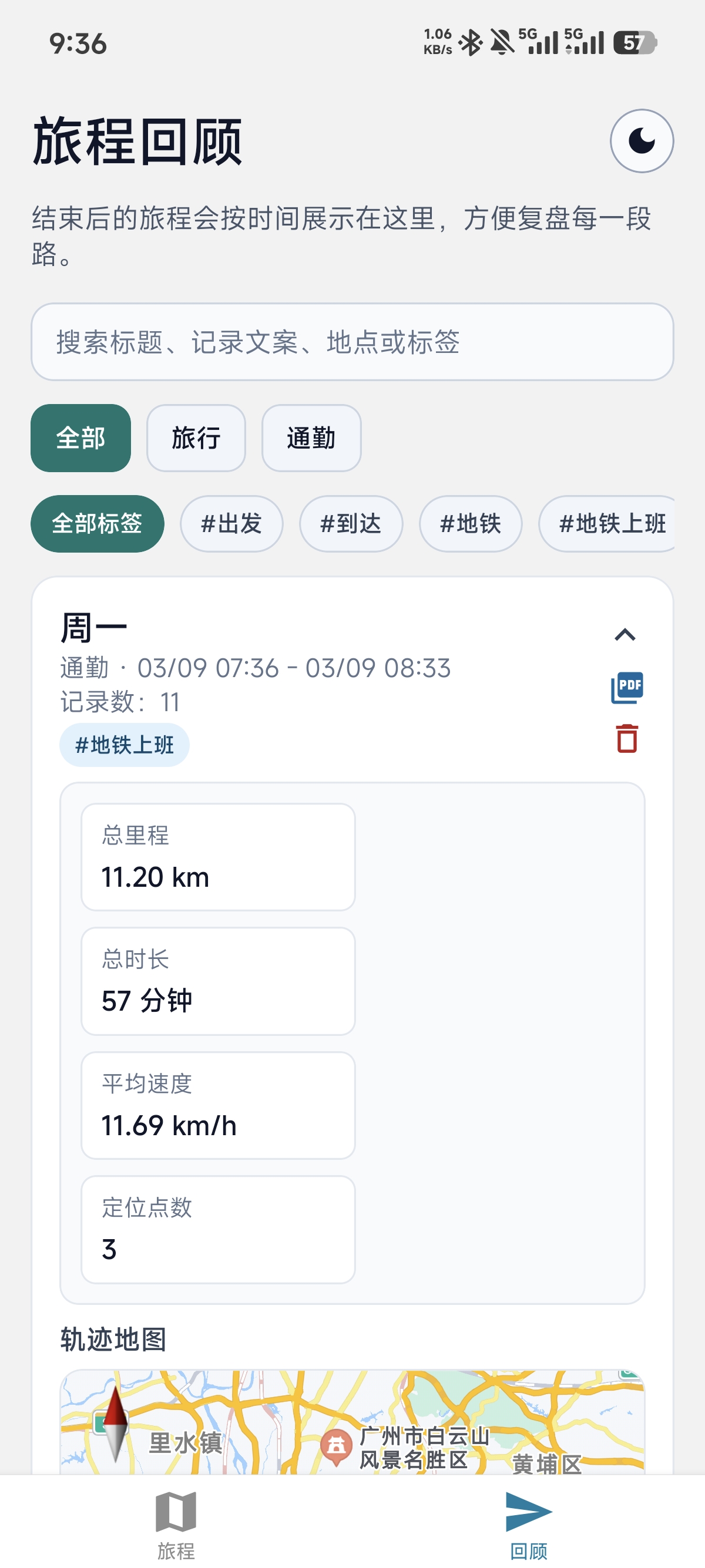
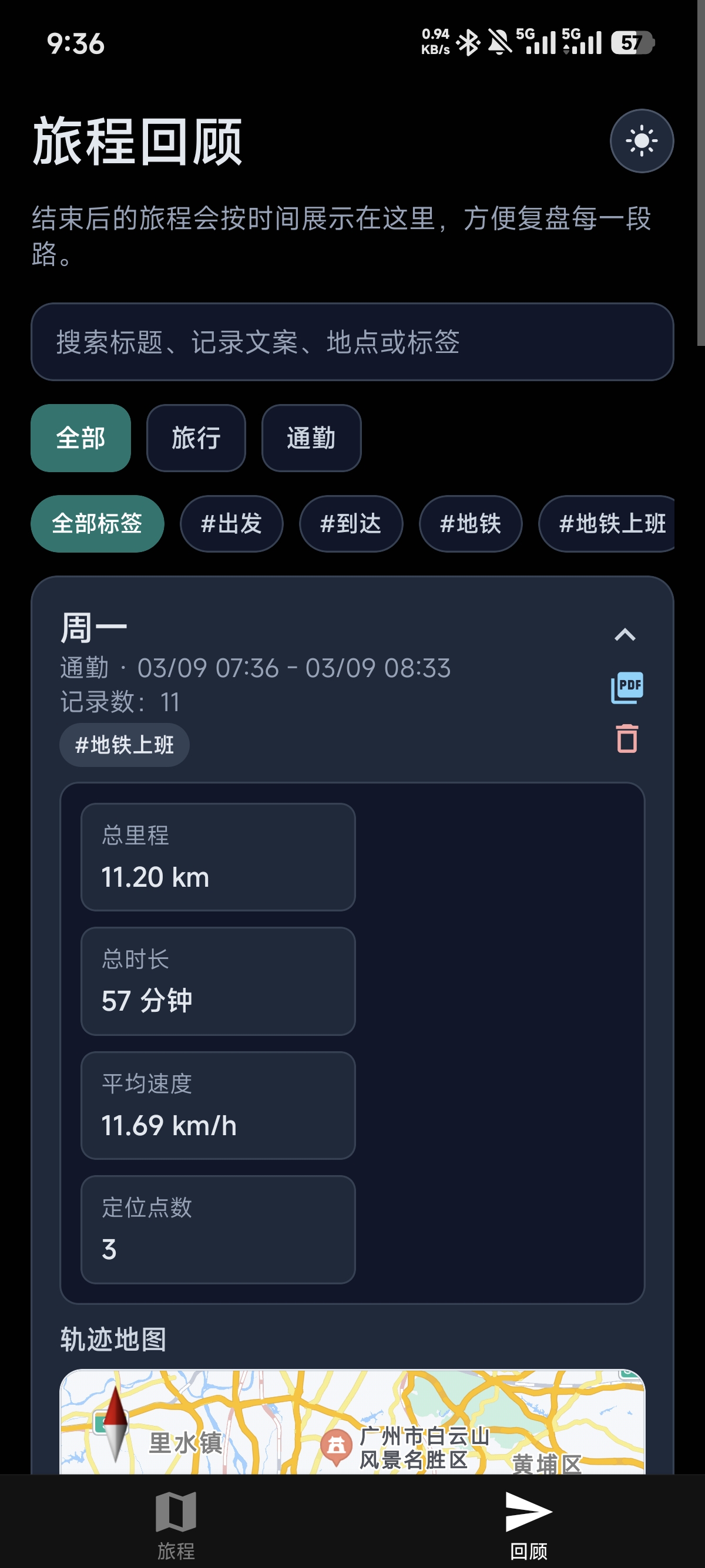
- History Records: Quickly browse historical journeys by time.
- Tag System: Tag journeys and entries for easy retrieval.
- Journey Types: Distinguish between "Travel" and "Commute" modes.
Timeline Recording
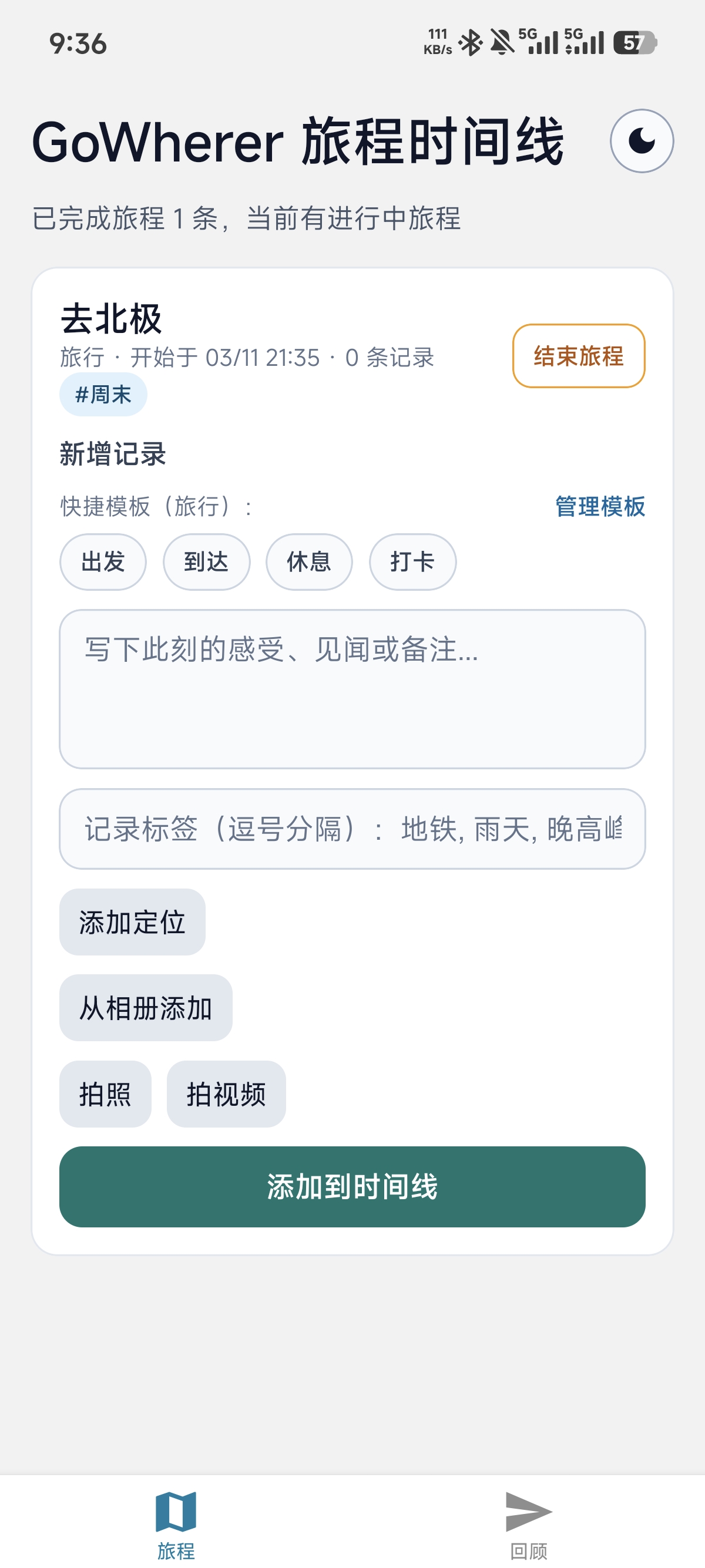
- Multiple Record Types: Support text, location, photo, video, and audio.
- Media Import: Select images and videos from system albums.
- Entry Editing: Support modifying or deleting recorded content.
- Audio Recording: Record voice memos with automatic association to the current timeline point.
Journey Templates
- Built-in Templates: Pre-configured templates for "Departure", "Arrival", "Rest", and "Checkpoint".
- Dual-mode Templates: Separate template collections for Travel and Commute modes.
- Quick Entry: Select a template to generate preset text and tags in one tap.
- Template Management: Add, edit, and delete custom templates.
Geographic Capabilities
- Real-time Positioning: Automatically get current location.
- Place Name Resolution: Convert coordinates to readable addresses (via Amap Web Service).
- Coordinate Conversion: Built-in WGS84 ↔ GCJ02 conversion algorithms for Amap SDK integration.
- Nearby Places Query: Search for points of interest around the current location.
Maps & Routes
- Amap SDK Integration: Mobile uses Amap SDK for map display and location picking.
- Web Map Fallback: Automatically enable online maps on web pages for cross-platform experience.
- Trajectory Display: Visualize travel paths in chronological order with cumulative mileage.
- Map Location Picker: Tap on the map to select location, supports current position and nearby places list.
Statistics & Export
- Trip Statistics: Automatically calculate distance, duration, average speed, and other metrics.
- PDF Export: Export route map and statistics summary, suitable for archiving and sharing.
- Journey Search: Search historical journeys by title, text, location, or tags keywords.
- Tag Filtering: Filter journeys by type (Travel/Commute) and tags on the explore page.
Theme & Experience
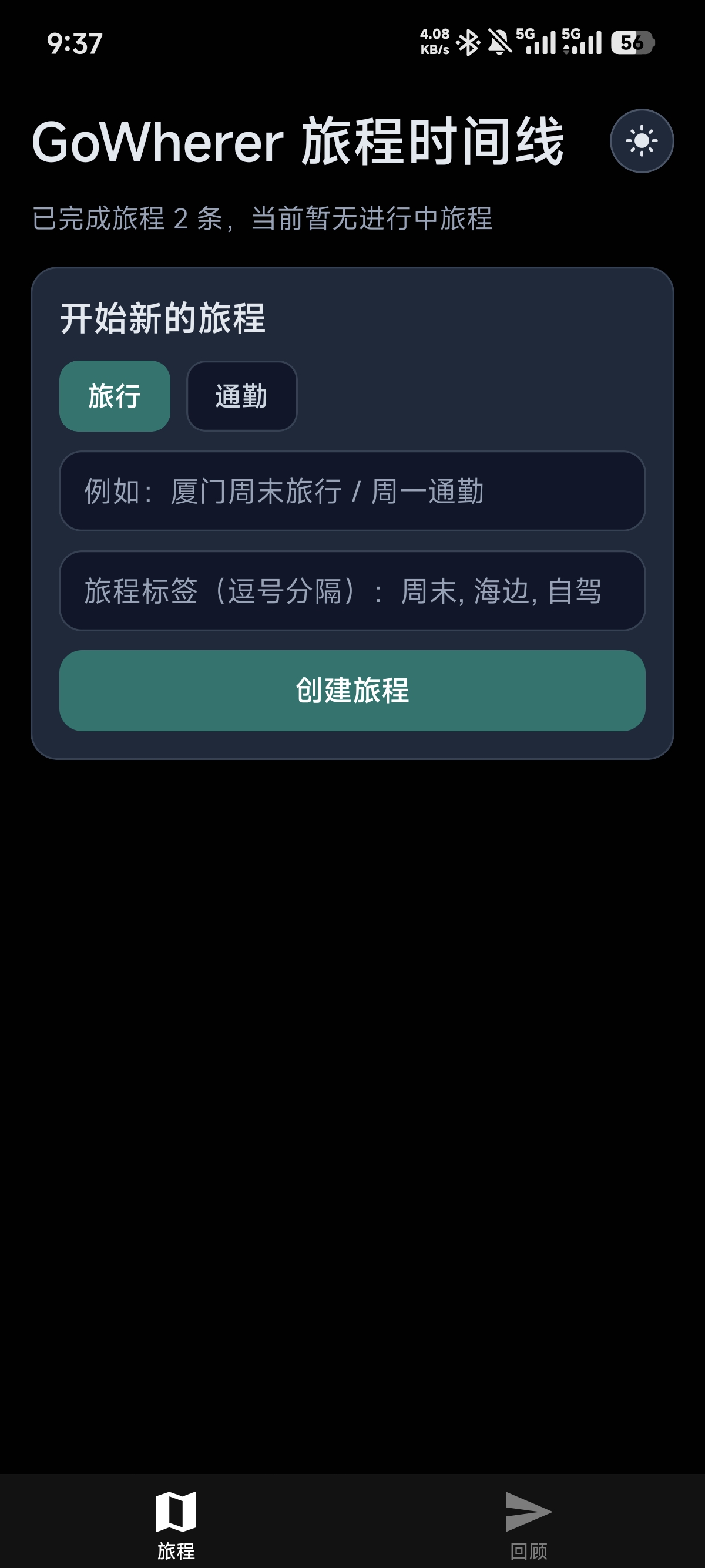
- Theme Switching: Light/Dark theme with optional System preference sync.
- Preference Persistence: Automatically remember theme and language selections.
- Permission Management: Dedicated page to manage location, camera, and microphone permissions.
- Interactive Animations: Smooth and natural page feedback with haptic responses.
- Local Logging: Built-in logging system with log file export for error tracking and debugging.
Data Backup & Migration
- One-click Backup: Export journey data, template configuration, theme, and language preferences to a JSON file.
- Import Restore: Restore all data from a backup file with version validation and format tolerance.
- Selective Migration: Preserve journey records and personal templates during device migration.
- Media Migration: Automatically migrate media files from the old cache directory to the app-managed directory, fixing broken references after upgrades.
Location Tracking
- Background Location Tracking: Automatically and continuously record GPS track points during an active journey.
- Track Smoothing: Apply weighted smoothing to reduce GPS drift and noise.
- Mileage Statistics: Calculate cumulative travel distance using the Haversine formula.
- Media Persistence: Automatically copy photos, videos, and audio to app-managed directory to prevent reference invalidation.
Interface Preview